Your Travel Day
Travel Day is one screen for the day you travel. It shows your next departure across all your trips, a flight or a cruise, and moves on leg by leg. Travel Day is free.
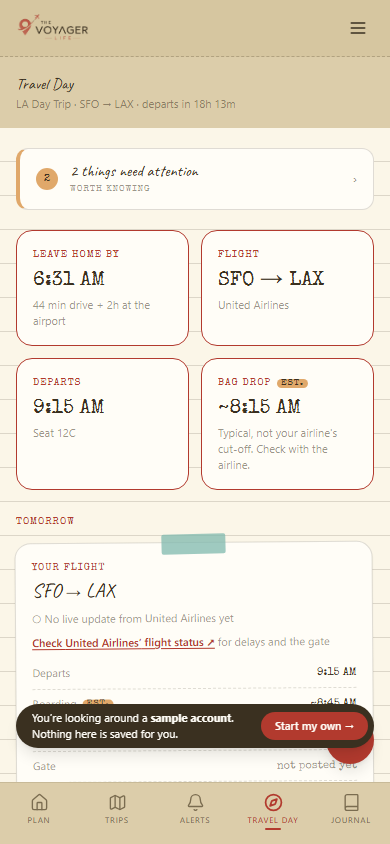
On the website, choose Travel Day in the menu. In the app, it's the Travel Day tab.
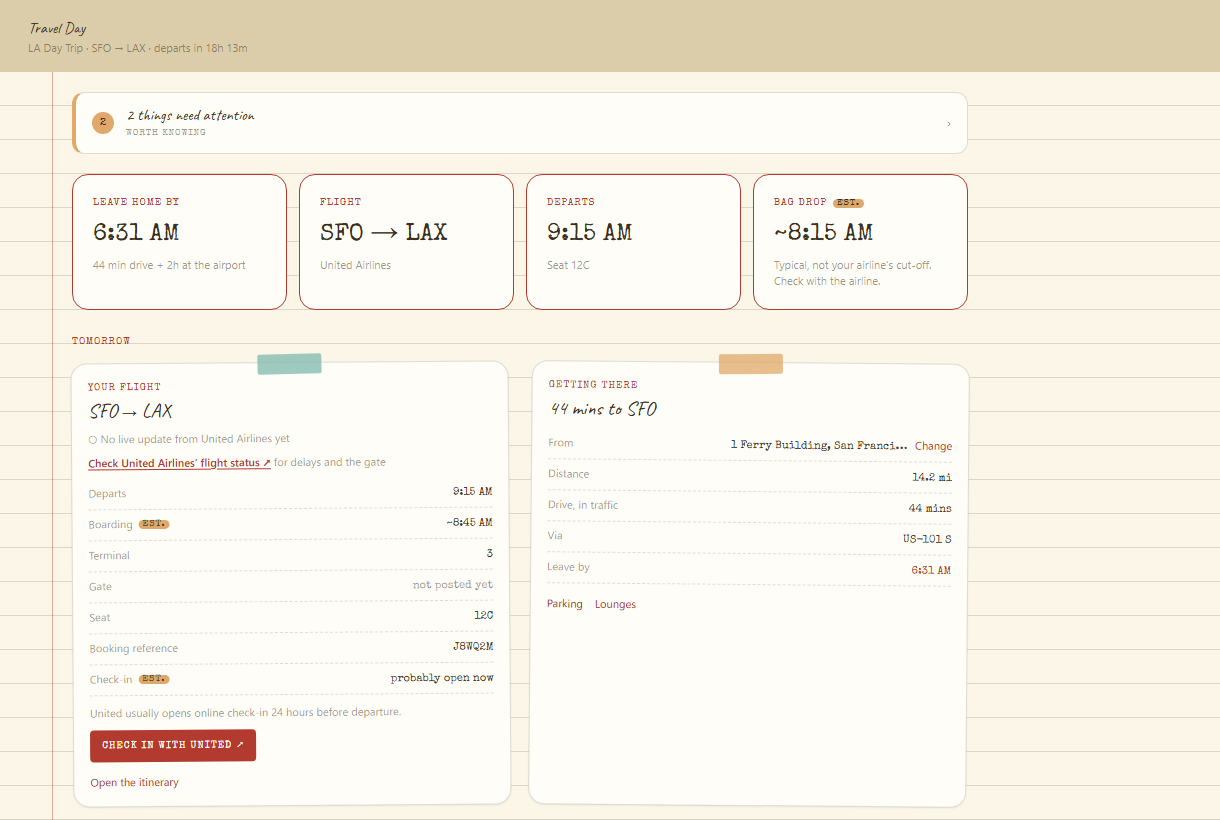
When to leave
The first time, set your start address on the card. Leave home by is then worked out from the drive in today's traffic from your start address or your hotel, plus time at the airport. Choose Change beside the address to start from somewhere else.
Your flight
The flight card shows the terminal, gate (once it's posted), seat, booking reference, and an online check-in link for your airline, with when check-in usually opens. You'll also see the weather at your destination and government travel advice. On the way back, Getting home takes over.
On a cruise, embarkation day shows here like a flight, so you know when to leave for the port.
Alerts on the day
The Voyager Life follows your flights and sends a push notification when the departure time, gate or status changes, with times in the airport's own time zone. You also get a reminder to check in online before each flight. These alerts are free. Turn on Push notifications in the app's Profile to get them.
Your flight on the lock screen
On iPhone, turn on Profile › Flight on the lock screen in the app. Around your flight, its gate and times show on the lock screen and update live.
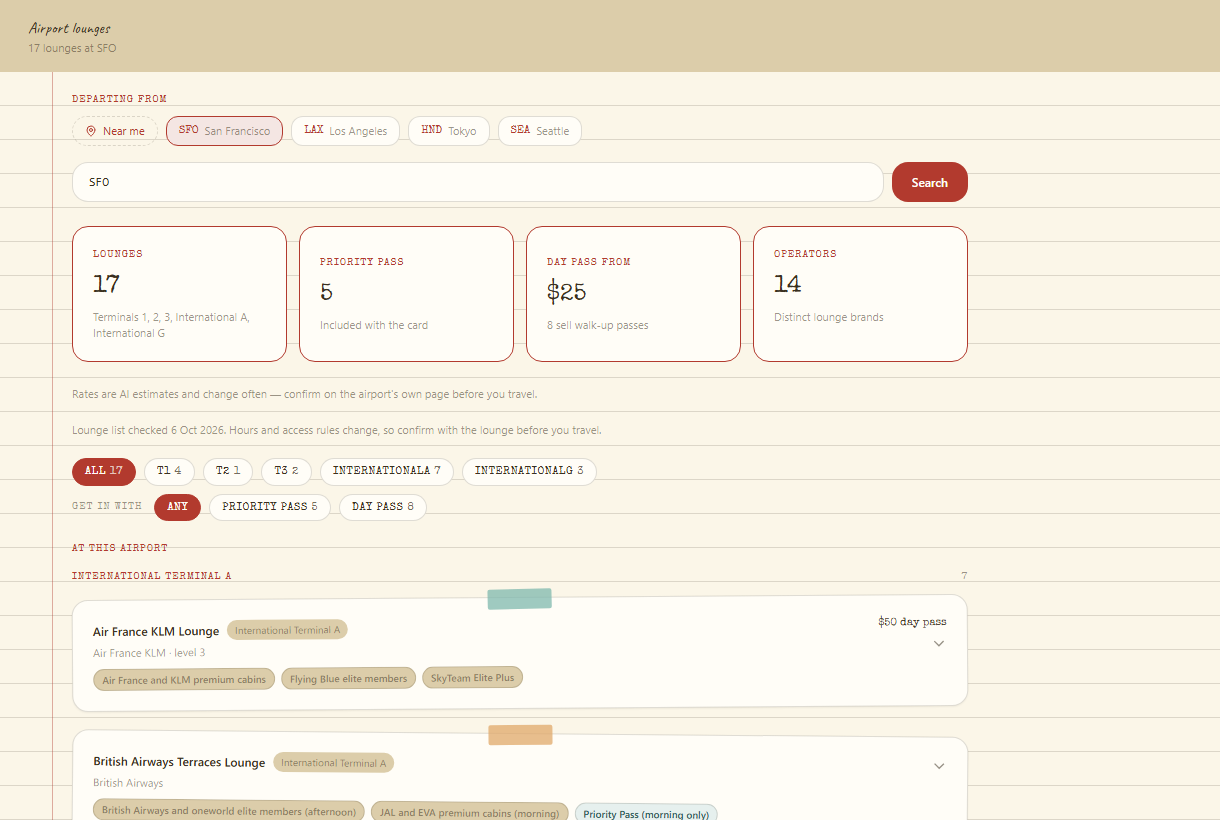
Lounges
Open Lounges from the menu, or from Travel Day so it opens on your flight's airport. Lounges are listed by terminal, with which ones take Priority Pass. Enter your gate and they're sorted by walking time from it; walking times are estimates. Lists for SFO, LAS, SJC, SMF and Cairo are checked by hand, and prices are estimates, so check with the lounge.
Parking and luggage storage
- Parking shows options near your airport with estimated rates.
- Luggage Storage finds storage near you through Stasher and LuggageHero. Tap Check price for the real price and to book with them.
On the website both are in the menu under Travel Day; in the app they're on the Travel Day tab.
The disruption check (Pro)
Disruptions reads all your upcoming trips and flags what could go wrong, most urgent first: a missing flight or hotel close to departure, a booking that isn't confirmed, a flight that doesn't fit the trip's dates, spending over budget, visa or entry information, or a tight connection to your ship. It's part of Pro.
Most of these checks are worked out by the AI from your trips. With AI features off, Disruptions still opens and checks cruise boarding times, and says that the rest is off.
With AI features off
Lounges, parking, luggage storage and activities keep working with AI features off: they send only an airport, a place or a flight number, never your trip.